OfficeOpsTools • Decision Intelligence for Modern Operations

Enterprise Decision Intelligence
for HR, Finance & Workplace Leaders

Built for Stability. Designed for Privacy. Audit-grade operational models that make assumptions explicit. Compare scenarios in seconds and generate professional summaries that stand up to executive review. No data leaves your browser—privacy-first by default.

Audit-Ready Outputs Multi-Scenario Modeling Stable, Accessible UX Privacy-First Architecture
The Precision Dashboard
Decision-ready • Export-first
Minimalist decision-ready financial summary with payroll allocation charts and an export summary button.
Assumptions are explicit • Outputs are shareable • Privacy-first defaults

Three pillars of OfficeOpsTools

Enterprise visuals that match the product promise: precision, workforce operations, and privacy-first security.

Finance & Payroll

The Precision Dashboard

Decision-ready summaries with clear allocations, scenario deltas, and export-first outputs—built to hold up in leadership and audit conversations.

  • Sharp allocations and defensible assumptions
  • Scenario comparisons that make tradeoffs obvious
  • Export-friendly summaries for stakeholder review
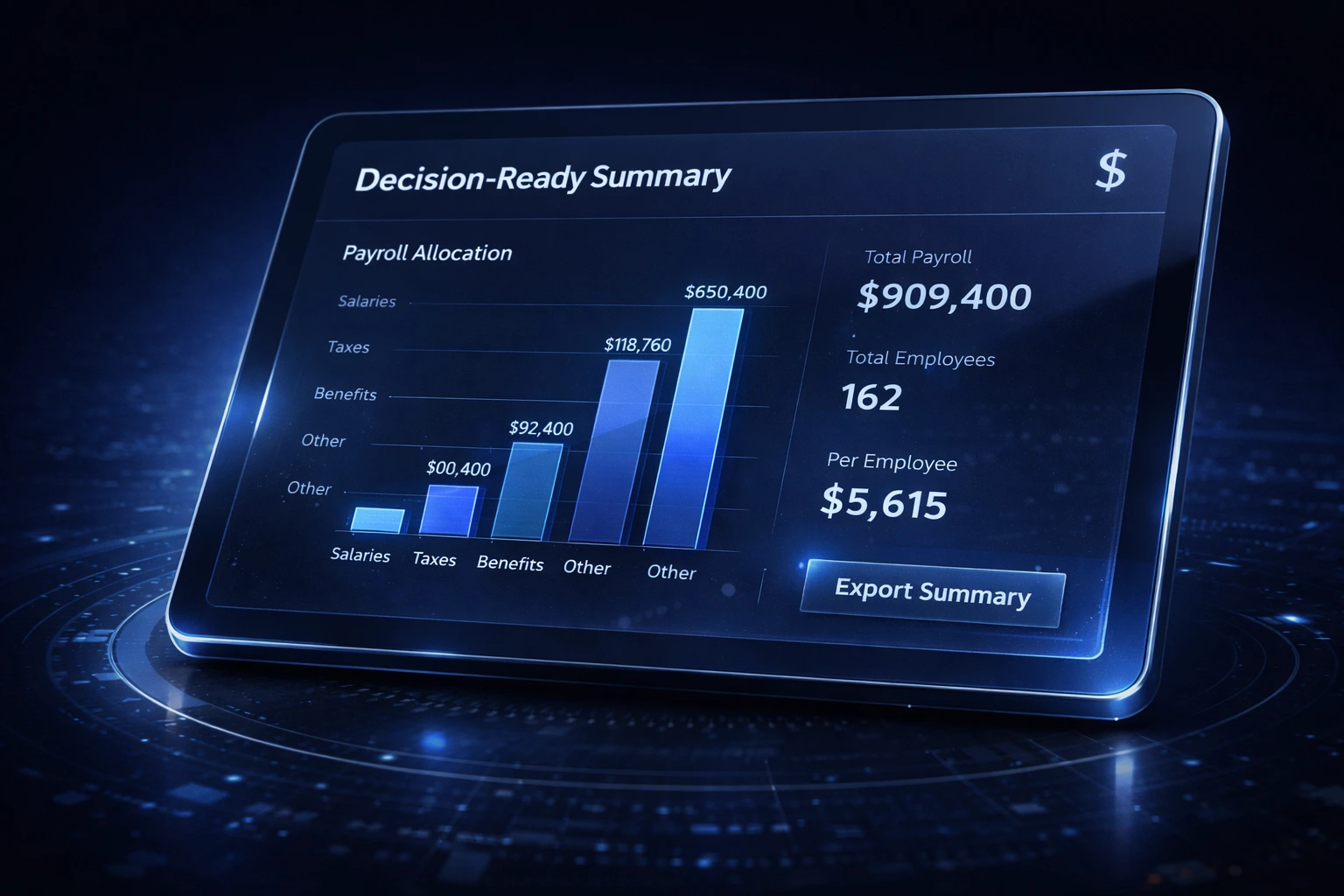
Decision-ready financial summary interface in dark navy with clean charts and an export button.

Human Resources

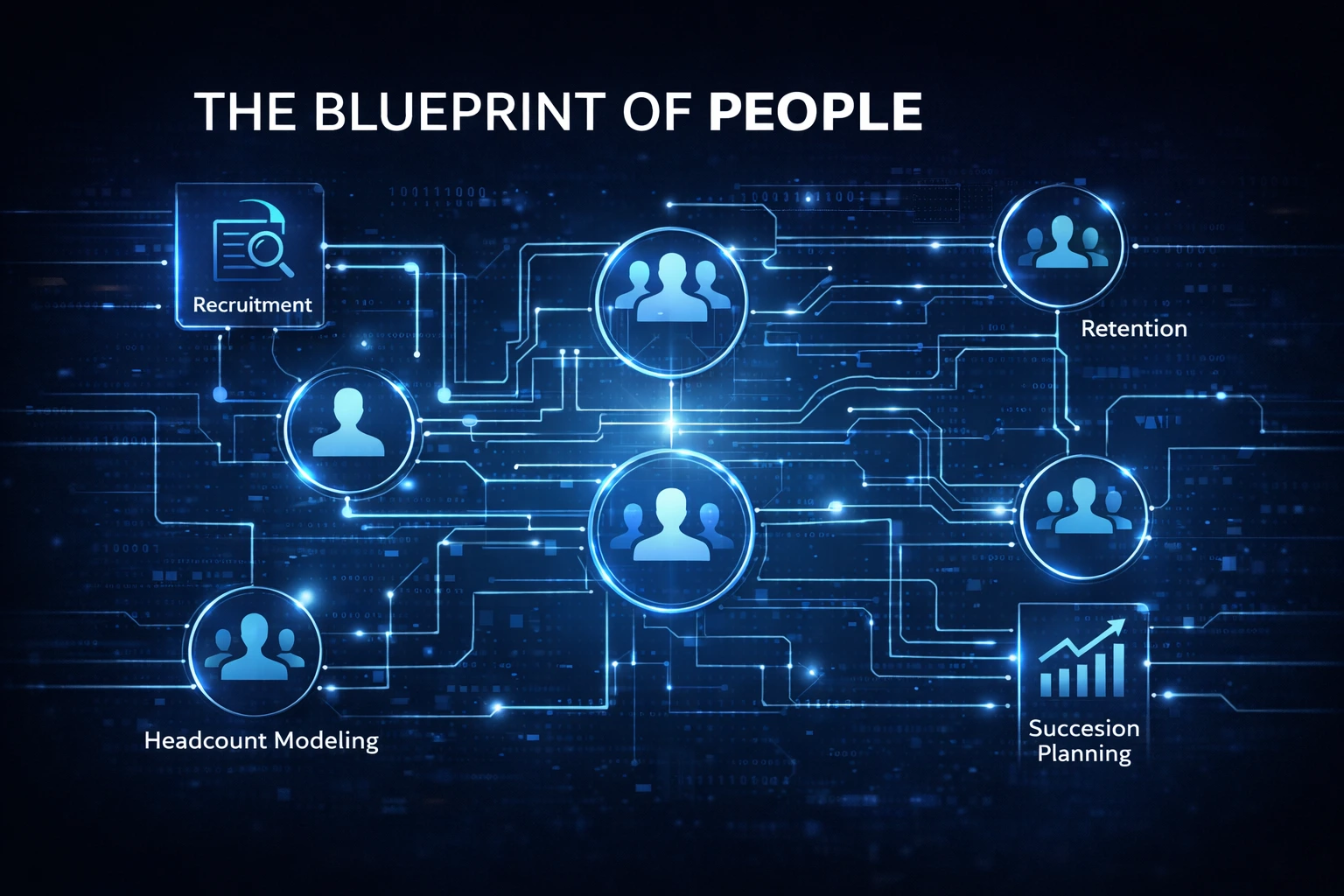
The Blueprint of People

Workforce operations, modeled like a system: recruitment to retention, headcount planning, succession signals, and capacity risk—without “soft” stock imagery.

  • Headcount modeling and staffing scenario clarity
  • Retention drivers translated into cost outcomes
  • Succession planning signals you can explain
Abstract organizational blueprint with connected human silhouettes, showing recruitment-to-retention flow and planning icons.

Security & Operations

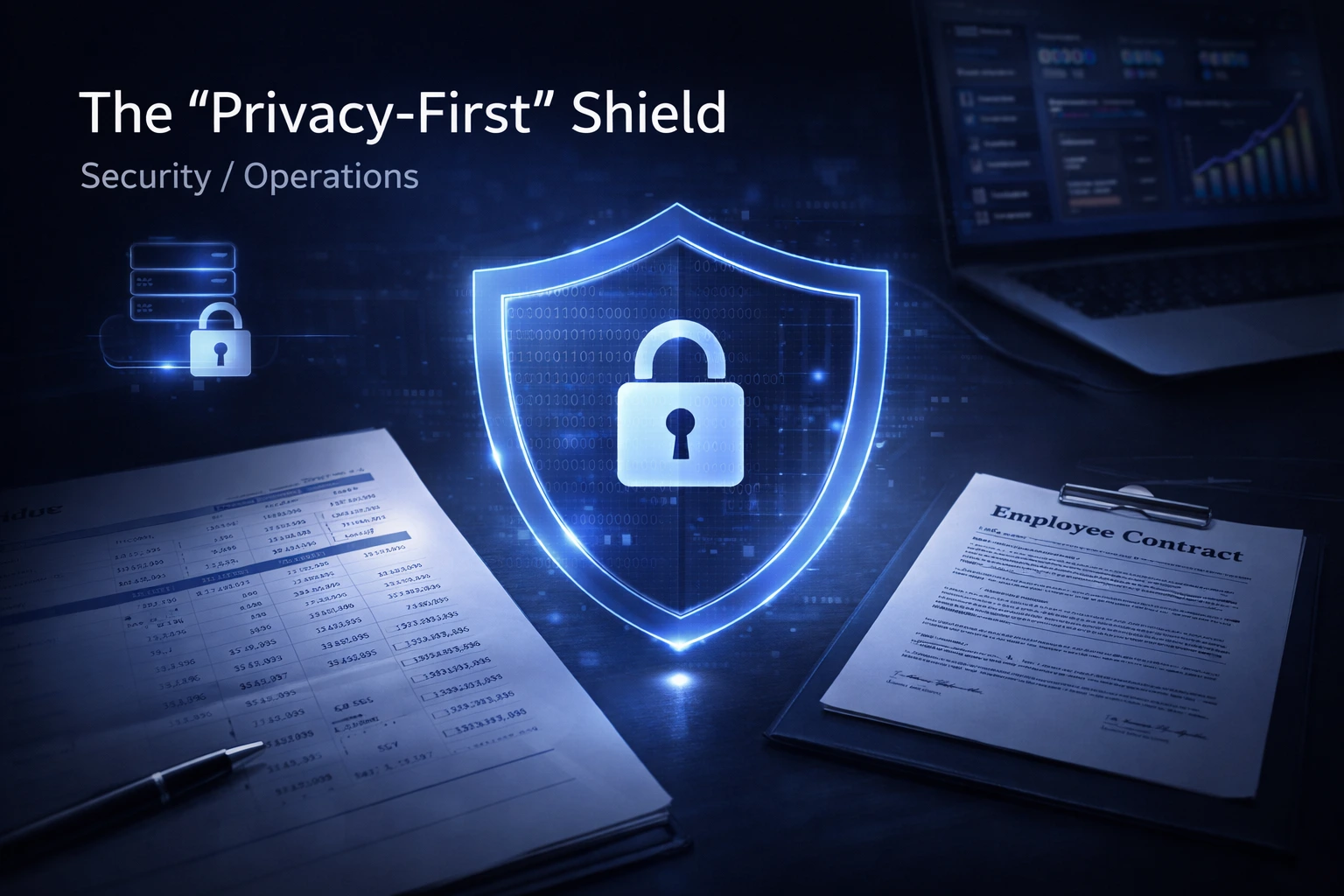
The Privacy-First Shield

A privacy posture that’s easy to defend: client-side logic where possible, clear policies, and consent controls that respect user choices and compliance expectations.

  • Privacy-first defaults for sensitive assumptions
  • Review-friendly policy links on every page
  • Enterprise-hardened headers and safer UX patterns
Translucent data shield protecting a financial ledger and employee contract on a modern desk, in deep navy and slate tones.

What these calculators do and how to use them

OfficeOpsTools is a library of operational calculators built for the real questions that come up in HR, Finance & Payroll, and Workplace teams. The tools are designed for decision-making: inputs stay clear, assumptions are visible, and outputs are easy to explain.

Start with one business question—turnover cost, overtime impact, desk capacity, or office cost per employee—then model conservative vs expected scenarios. When a recommendation flips between scenarios, that tells you which assumption deserves verification.

Trust, privacy, and compliance

Clear disclosures and reviewer-friendly navigation for procurement and policy checks.

Privacy-first by default

Many workflows keep operational assumptions on your device. Policy links are always accessible for fast review.

Advertising: when ads are enabled, Google and its partners may use cookies (including advertising cookies such as DoubleClick) to serve and measure ads. See Privacy Policy and Cookies.

Calculator library

Search and category filters persist after refresh. Each calculator includes a short description for clarity.

Loading tools
Executive Summary
A decision-ready snapshot you can paste into updates and leadership notes.
No login In-browser Assumptions visible
Selected tool
Pick a calculator to populate this panel automatically.
Best next action
Shareable link
One click: copy a deep link to this tool.
Open selected tool
This panel is optional. It stays hidden unless a tool is selected via URL (e.g., /?tool=turnover) or you enable it later.

Beta + updates

Join the beta list for new calculators, templates, and early access. Email only.

Contact

If you have questions about methodology, a calculator result, or a partnership idea, reach out directly.

Email

Support and inquiries: info@officeopstools.com

Location

Built in Regina, Saskatchewan (Canada).